
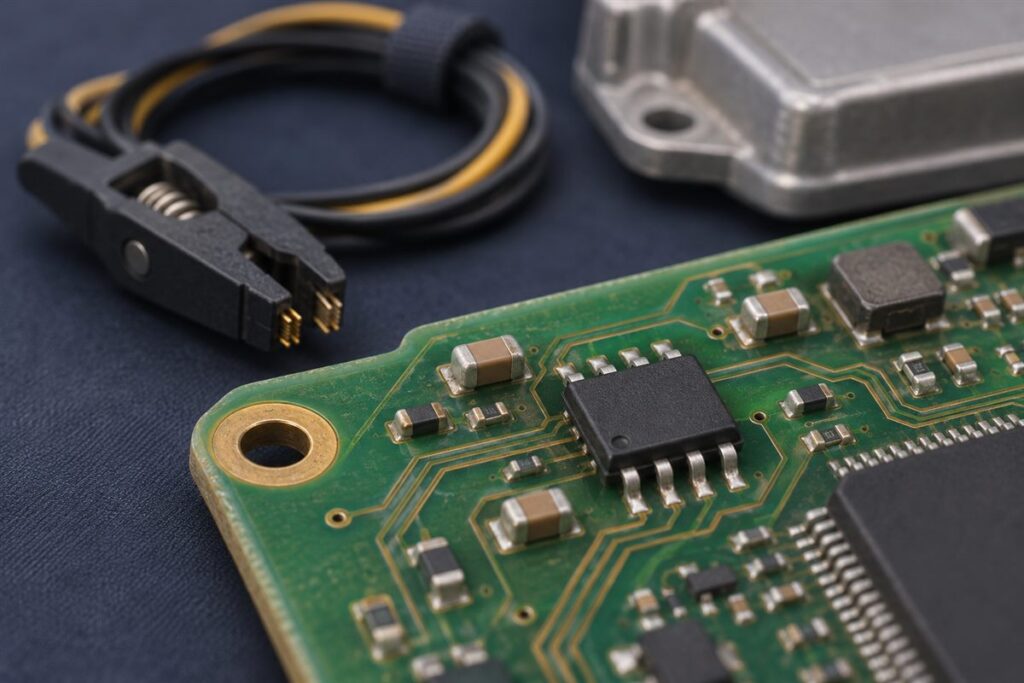
Open workshop discussion; no completed clone confirmed
A workshop conversation about ECU cloning reached a write-verification problem. The engineer confirmed that backups of both units had been made and pointed out that the chips were different. The visible record did not contain a successful verified write or a completed vehicle test.
Separate the file, the write and the result
Having a saved file is valuable, but it is a different fact from successfully writing the intended data to the intended device. A software message indicating a verification problem must not be recorded as a completed clone. It needs investigation before further changes are made.
Likewise, matching a number on the ECU housing does not answer every question about the components and software inside. In this discussion, the difference in chip markings was still relevant. Interchangeability had not been established.
Keep the original evidence
- Retain the original read from each unit separately.
- Label which file belongs to the original and which belongs to the donor.
- Keep the tool log and the exact verification message.
- Record which unit was connected when the operation failed.
These records help the next assessment distinguish a file problem, an unsupported operation and an unsuccessful write. They do not establish which explanation is correct without examining the actual hardware and data.
Discuss the recovery route before another write
For an enquiry, send the unit labels, tool and software identification, the error wording and a short account of what has already been attempted. Avoid putting immobiliser data, key material or full memory files in a public comment or social-media post. We can agree an appropriate way to handle necessary files once the assessment scope is clear.
AXION considers automotive module data-recovery work according to the condition of the original unit, available backups and supported hardware. Recovery or a working clone cannot be promised from the error message alone.
Discuss your vehicle with AXION
Call 07440 134303 or send an enquiry. Workshop visits are by appointment at Unit 2, Long Wittenham Road, Didcot, OX11 9BH. Suitable postal module work is available across the UK after assessment arrangements are agreed.