
“Can you program this ECU?” is a reasonable starting question. To answer it properly, a workshop needs to know the vehicle, the installed unit and what the programming is intended to achieve.
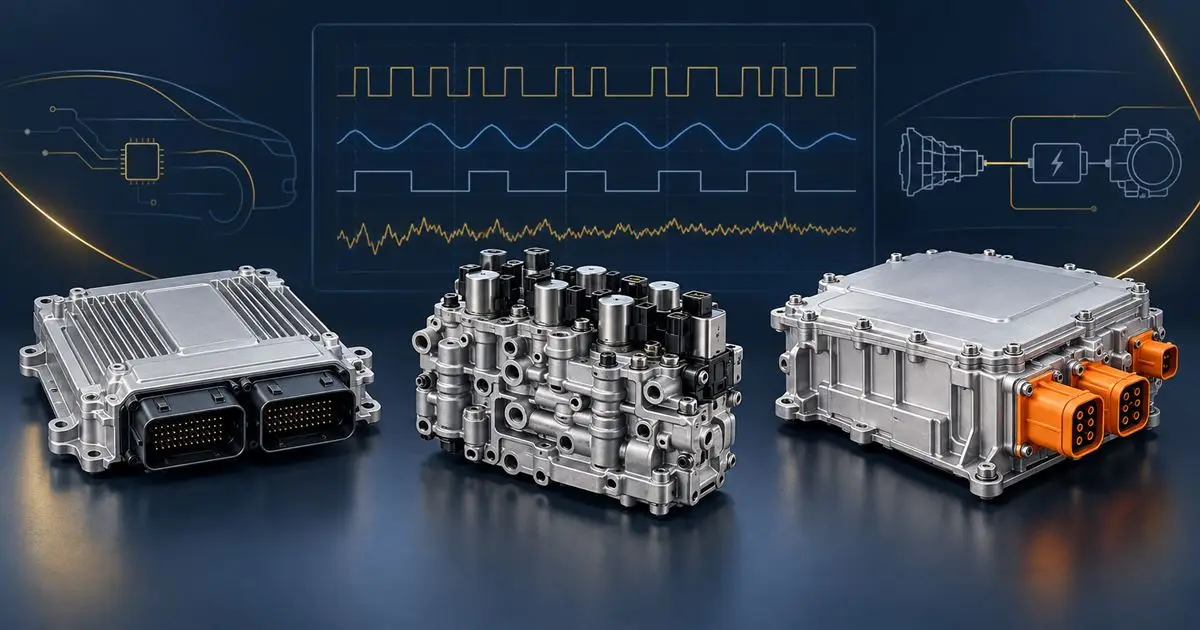
Bosch describes PassThru as a route for independent workshops to use manufacturer software and information through a compatible SAE J2534 interface. Its guidance also identifies application limitations and directs users to manufacturer information. The interface alone is therefore not a guarantee of support for every vehicle or operation. Bosch’s UK PassThru guidance.
Start with the job, not a file name
State whether the task is a supported software update, completion of a replacement procedure or investigation after a failed session. Include the module’s hardware and software identity and the complete current fault report. If a technical bulletin prompted the request, send its reference.
Do not choose a calibration because another vehicle with a similar engine used it. Compatibility needs checking against the actual vehicle and the authorised programming route.
Keep a session record
For a job that has already failed, preserve the tool’s log, the exact message and the stage reached. Record the power-support arrangement and any interruptions without attempting repeated writes simply to see whether the next one works. Keep the original module and any reliable pre-work records.
Ask AXION about programming suitability before travelling or sending hardware. Vehicle presence, manufacturer access, security prerequisites and support for the specific operation must be confirmed. Garages elsewhere in the UK can start with the same enquiry package through our trade support page.
Reviewed September 2026. Use the complete manufacturer-specific fault description and vehicle repair information.